Home / Screen angles
Halftone screen angles chart
Which angle to use for each ink, in offset, digital and screen printing — and why the right angles prevent moiré.
CMYK process angles
| Ink | Offset / digital | Screen printing (shifted 7.5°) |
|---|---|---|
| Cyan | 15° | 22.5° |
| Magenta | 75° | 82.5° |
| Yellow | 0° | 7.5° |
| Black | 45° | 52.5° |
 C 15°
 M 75°
 Y 0°
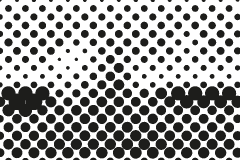 K 45°
Single-color and spot-color angles
| Job | Angles | Notes |
|---|---|---|
| One color, paper | 45° | Least visible angle for the eye |
| One color, screen printing | 22.5° or 67.5° | Avoids moiré with mesh threads at 0°/90° |
| Two colors (duotone) | 45° + 75° | Darker ink on 45° |
| Three spot colors, screen printing | 22.5°, 52.5°, 82.5° | 30° apart, all off the mesh |
| Simulated process | Same angle for all (often 22.5°) | Relies on tight registration; avoids rosettes |
Angles to avoid
Two screens of similar frequency less than about 15° apart produce large, visible moiré bands. On mesh, any halftone near 0°, 45° or 90° can interfere with the threads. A square grid repeats every 90°, so 105° behaves like 15°; line screens repeat every 180°.
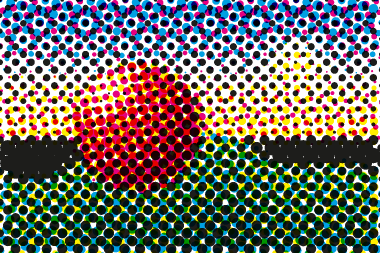 C15 M75 Y0 K45
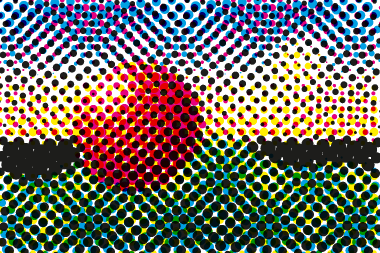 C40 M45 K50
For the full explanation see CMYK halftone angles and moiré, or try angles live in the CMYK halftone generator.